Maker · Tinkering · Useless Tools
Pillow Lab
Load a picture, apply a filter and a geometry step, compare before and after, and save.
Key takeaway: A small playground I use to prepare pictures for this site: original and result sit side by side, so I see what a step does before saving.
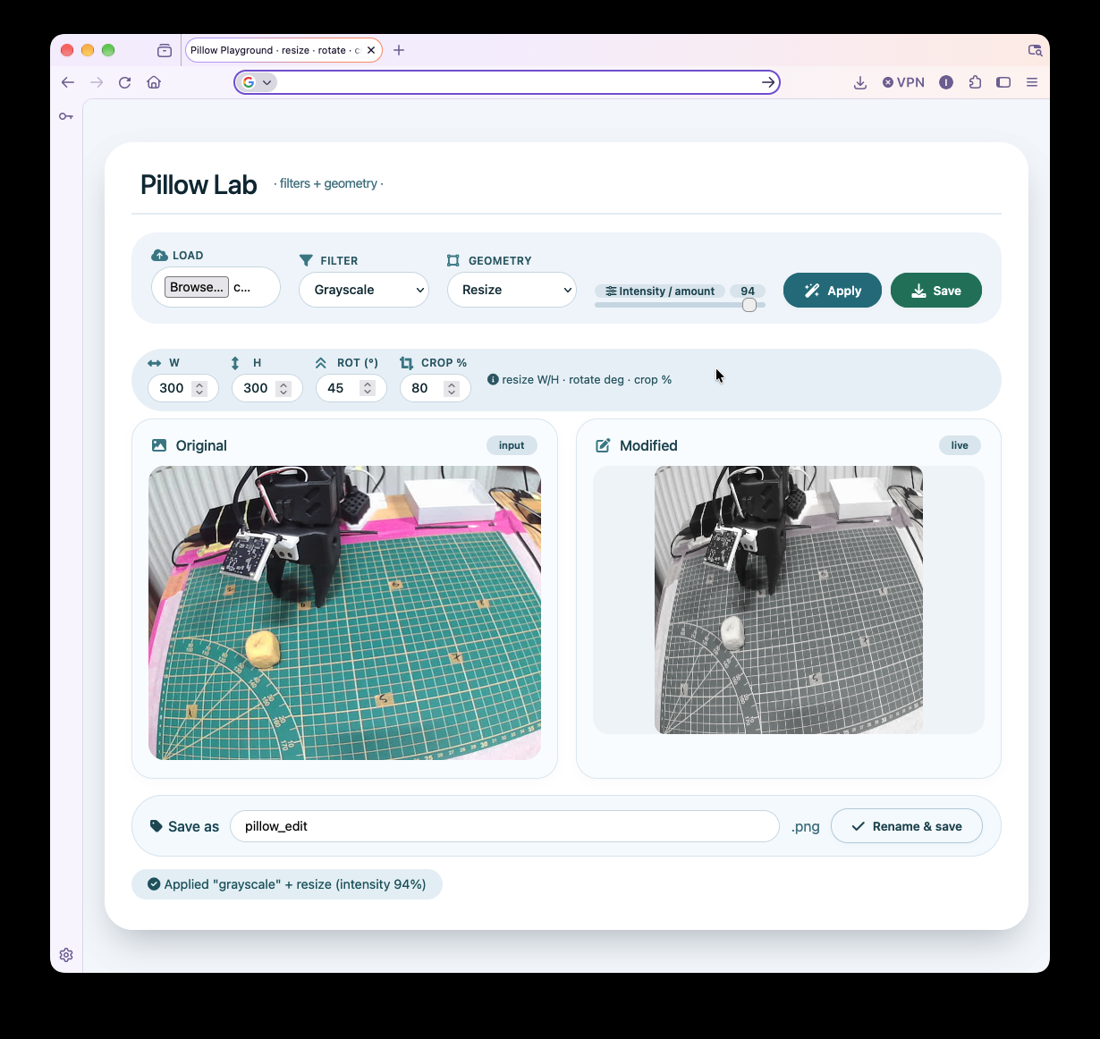
Pillow Lab applying “grayscale” and a resize at 94% intensity to a photo from my robot-arm setup. Original on the left, modified on the right.
What it does
- Load and compare: original and modified picture side by side.
- Filter (grayscale in the screenshot) with an intensity slider.
- Geometry: resize (width and height), rotate in degrees, crop in percent.
- Save under a name of your choice as PNG (
pillow_editin the screenshot). - Status line that says what was applied, for example “Applied grayscale + resize (intensity 94%)”.
Built with
Python with Pillow (the repository describes this folder as small image manipulation experiments: resizing, effects), with a small interface in the browser.
Status and limits
| Item | Status |
|---|---|
| ✅ | Filters and geometry steps with live comparison |
| ⚠️ | Experiments, not a full editor: the repository calls them small image manipulation experiments |
| ⚠️ | Personal toolbox, not a maintained package: expect rough edges |
Get it
This tool on GitHub · whole Useless Tools repository · Zenodo archive (DOI 10.5281/zenodo.23153751). Each tool in the repository is independent, with no shared setup. Check the script or its requirements.txt, where there is one, for the dependencies.